
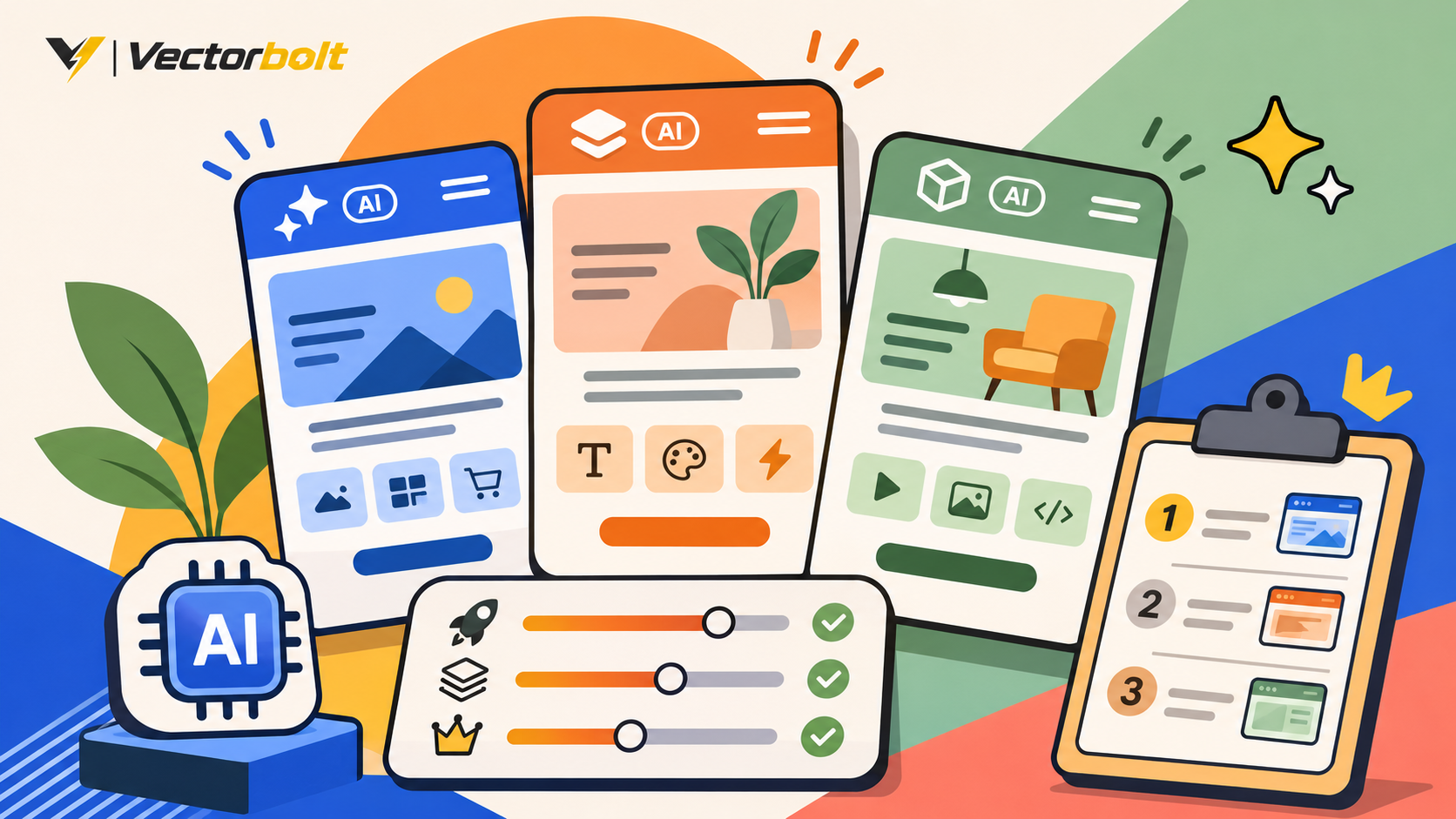
An AI website builder can generate a website layout and draft content from a prompt. That helps you start, but business websites still depend on editing, search visibility, accessibility, forms, integrations and an affordable maintenance plan. A good-looking first draft does not prove that the platform can run your business.
This comparison covers seven established builders to consider for a 2027 project. The research reflects vendor documentation reviewed in November 2026. This is not a controlled hands-on test or a ranking based on invented performance scores. Product features, prices and credits can change before and during 2027.
For typical small businesses
Wix Harmony combines AI site creation, visual editing and business tools.
For advanced design needs
Framer and Webflow deserve consideration when visual control and structured content are priorities.
Read this before choosing
An attractive AI-generated homepage is only a prototype. Test the hardest real requirement, such as a booking integration, configurable checkout, or dynamic form, before paying.
Quick comparison: which AI website builder fits your project?
| Builder | Best-fit use case | Important limitation to check |
|---|---|---|
| Wix Harmony | General business websites | Export and complex integrations |
| Hostinger AI Builder | Budget-conscious starts | Renewal terms and AI credits |
| Framer | Design-heavy marketing sites | CMS and localization limits |
| Webflow | CMS-driven marketing websites | Site and workspace costs |
| Squarespace Blueprint AI | Portfolios and content-first businesses | Custom functionality |
| 10Web | AI-assisted WordPress builds | Hosting and generated-code ownership |
| Shopify AI Store Builder | Online stores | Transaction and app costs |
1. Wix Harmony: a broad choice for business sites
Wix Harmony offers a prompt-led creation flow combined with direct visual editing. Wix also includes a wider ecosystem for forms, scheduling, online selling and SEO settings. That makes it a practical starting option for a business that needs ordinary service pages and managed hosting.
Strength: an integrated environment for creation and ongoing edits. Tradeoff: confirm that any specialized workflow is supported, and assess what migration would entail if you later leave the platform.
Wix’s November 2026 US guide quotes annual-billing equivalents of $17/month for Light, $29 for Core and $39 for Business before taxes. These are dated reference prices, not a forecast of 2027 pricing.
2. Hostinger AI Builder: a lower-cost starting point
Hostinger’s latest builder combines hosted website creation with manual and agentic modes. Some plans include usage credits and generated application capabilities. It can be convenient for a straightforward business site, but the full cost depends on the subscription term and how much AI functionality you use.
Check the renewal invoice
Compare the total cost of the promotional term with the next term. Also check domain, email, AI credit and generated-feature limits. A discounted monthly equivalent may require a long prepaid contract.
3. Framer: for visually ambitious marketing pages
Framer combines visual site design and AI assistance, with modern responsive layout and publishing tools. It is useful to consider for a brand site with strong typography, transitions and landing pages.
Review its site and workspace tiers, CMS limits, AI credits, localization, and the support available for bespoke business logic. Framer revised its AI credit and plan model in June 2026, so older comparisons can be outdated.
4. Webflow: for structured content and design control
Webflow’s AI site builder can generate a multi-page starting point, while the wider platform supports content collections, visual editing and governed publishing. It is worth comparing for teams whose marketing pages and CMS structure are closely connected.
The key purchase questions are which CMS functions come with the Site plan, whether your team needs a paid Workspace plan, and how much configuration your content editors can maintain without developer support.
5. Squarespace Blueprint AI: for content-led websites
Blueprint AI helps create a starting design with suggested content and imagery. Squarespace offers a managed editing environment for studios, creators, professional portfolios and many service businesses.
Its strength is a coherent content and visual workflow. Before committing, verify that the platform supports your specific membership rules, booking features, third-party services and migration expectations.
6. 10Web: for AI-generated WordPress projects
10Web offers AI-assisted site building with managed WordPress hosting. Its documented agentic builder can help create a WordPress-backed site, and the service bundles hosting and other operational features.
For a business with long-term WordPress plans, ask which generated code remains portable, what editing experience is provided, how plugins interact, and whether you can move hosting while retaining the required functionality. Different implementation details may have different migration implications.
7. Shopify AI Store Builder: for an operating online store
Shopify has a dedicated AI Store Builder and a mature commerce ecosystem for product catalogs, orders, checkout and app integrations. For a product seller, those operational capabilities matter far more than how quickly a homepage image is generated.
Investigate payment support in your location, transaction fees, third-party apps, product variants, shipping, discounts and customization. A polished storefront that cannot handle the business’s actual operations is not launch-ready.
What do AI website builders really cost in 2027?
Reliable 2027 prices are not fixed as of November 2026. Providers can revise plans, promotional terms and AI usage limits. Calculate a realistic 12- and 24-month budget rather than comparing the smallest headline price.
Upfront and first-year costs
Platform plan, domain, email, premium features, paid extensions, content work and initial setup.
Ongoing costs
Renewal rates, AI credits, transactions, additional traffic, localization, maintenance and integrations.
How much of an AI-built site do you actually own?
Owning a domain and content is not the same as owning a portable website implementation. Code download, HTML export and full CMS migration are different things. Exported pages may not preserve checkout, forms, membership access or publishing workflows.
- Check whether code, media, blog posts and structured content can be exported.
- Ask which third-party tools will stop working after migration.
- Keep domain registration, DNS, payment providers and business email under accounts you control.
- Confirm who owns custom functionality and what is required to maintain it.
- Test an export before a large investment if switching platforms is a likely future requirement.
A useful way to compare AI website builders
Give every shortlisted platform the same five-page business brief. Require a home page, services, about, contact, mobile navigation and a real form with conditional fields. After generation, try editing the layout and adding a page without AI assistance.
Seven practical checks
1. Generate from the same brief.
2. Change the typography, layouts and imagery.
3. Submit the actual business form.
4. Add and edit a page manually.
5. Inspect indexing, canonicals and sitemaps.
6. Test mobile usability and performance.
7. Calculate renewals, integrations and migration costs.
Do not present PageSpeed scores or benchmark results unless you have performed the same tests with the same conditions. Vendor screenshots and marketing promises cannot substitute for a real user journey.
AI website builder or professional web development?
A builder can be sufficient for a straightforward site with common requirements and a team comfortable maintaining it. Development work becomes more valuable when the website depends on specialized integrations, business rules, custom databases or requirements that fall outside the chosen platform.
A builder is enough when
Standard features cover the requirements, subscriptions are acceptable, and content editors can operate the result.
Consider custom development when
You need specialized functionality, complex integrations, greater hosting control, or maintainable custom code.
Frequently asked questions
Which AI website builder is best for beginners?
Wix, Squarespace and Hostinger are sensible options to compare for a relatively simple site. The best match depends on the required features and how the owner wants to edit content.
Which AI builder is best for an online store?
Shopify is designed around commerce. General-purpose builders may also sell products, but compare actual payment, tax, inventory, variant and shipping requirements.
Are AI-generated websites automatically SEO-friendly?
No. A generated website still needs useful copy, indexable pages, accurate titles and canonicals, responsive layouts, good performance and correct technical configuration.
Can I move my AI-generated site to WordPress?
Often some content can be transferred, but exact functionality and layouts may need to be rebuilt. Exportability differs significantly between providers.
Do I need a developer if I use an AI website builder?
Not necessarily. For custom functionality, accessibility remediation, complex integrations or performance issues, a developer may still be needed.
The right builder is the one you can maintain
Choose based on the hardest business workflow, the total ongoing cost and an acceptable exit path. Treat AI generation as a useful first draft, not a substitute for a complete website test.
Build the right solution with Vectorbolt
Vectorbolt builds WordPress sites, eCommerce experiences and custom functionality. If a website builder cannot support your requirements, send us your project brief and we can recommend an implementation approach.
Official sources and research date
- Wix AI Website Builder and Wix plan guide
- Hostinger AI Builder and pricing
- Framer AI and Framer plans
- Webflow AI Site Builder and Webflow pricing
- Squarespace Blueprint AI
- 10Web agentic builder and plans
- Shopify AI Store Builder
Research checked November 19, 2026. This guide uses current product documentation as a planning reference for 2027 and does not claim unperformed hands-on testing.
