
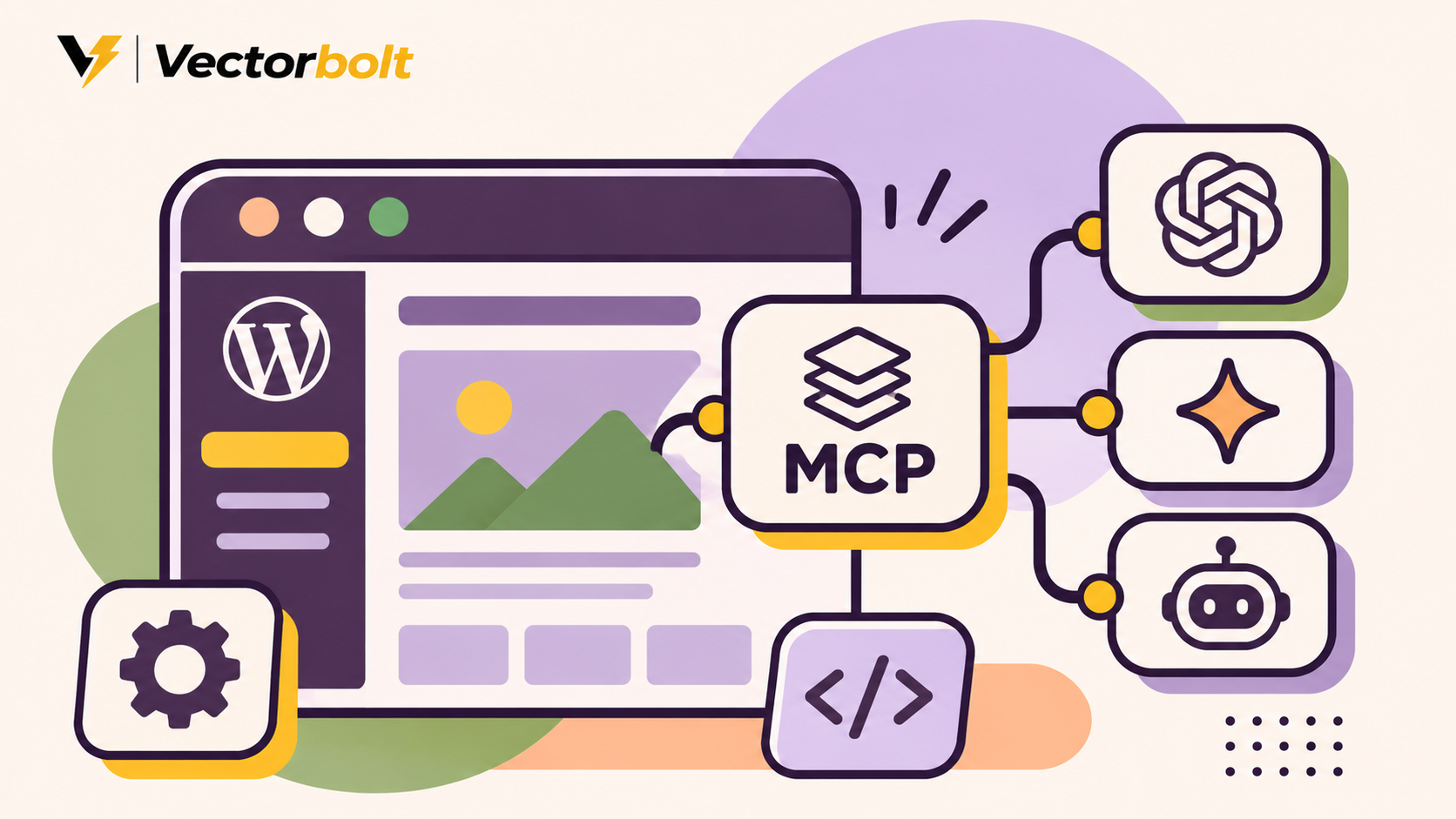
Model Context Protocol (MCP) gives AI assistants a standard way to discover and use external tools. For WordPress, an MCP connection can allow an assistant to retrieve posts, prepare drafts or invoke site-specific functions. What it can actually do depends on the abilities available, the connected user’s permissions and the approval process.
This guide explains the official WordPress Abilities API and MCP Adapter, the difference between self-hosted WordPress and WordPress.com connections, and a practical way to test the integration without exposing a production site to unnecessary risk.
Abilities API
Defines what the WordPress site can do, validates inputs and checks permissions for each action.
MCP Adapter
Makes explicitly exposed abilities discoverable and callable by a compatible AI client through MCP.
MCP does not grant unlimited access by itself
The adapter is not a ready-made AI site manager. It exposes only eligible abilities, and authenticated users must still pass the required permission checks. Never use unrestricted admin credentials for an experimental workflow.
What is MCP for WordPress?
MCP is an open protocol for connecting assistants and applications to external capabilities. WordPress has an Abilities API for registering operations such as retrieving a record or running an approved update. The official MCP Adapter bridges those operations to an MCP-compatible client. The adapter does not supply an AI model or automatically invent WordPress tools.
An assistant can first discover available abilities, read their input requirements and then request execution. WordPress validates the request and enforces capability checks. This is much more structured than asking an AI model to guess WordPress admin URLs or generate arbitrary database queries.
What can an AI assistant do with WordPress?
Think in terms of specific operations, not vague claims that AI can run an entire site. Practical workflows include retrieving content for review, preparing drafts, checking metadata and using safe custom features. Their availability depends on your server and installed abilities.
Editorial workflow
Find a draft, review its title and excerpt, propose changes, then save a revised draft for approval.
Maintenance workflow
Read a plugin inventory or a site diagnostic. Changes to plugins and settings should require careful authorization.
For example, on Vectorbolt we use a connected WordPress integration to create articles, configure SEO metadata, assign featured images, and adjust theme code with preview and rollback support. That shows the type of work a tool-connected assistant can accomplish. It does not mean every installation of the official MCP Adapter ships with our connector’s exact tools.
Two ways to connect WordPress to AI assistants
Option A: Self-hosted WordPress with the official MCP Adapter
For WordPress.org installations, the MCP Adapter plugin bridges registered WordPress abilities into the protocol. WordPress 6.9 and later includes the Abilities API, but the separate adapter and usable, explicitly exposed abilities are still required.
The default server supports discovery, ability information and execution operations. WordPress’s documentation identifies an HTTP endpoint at /wp-json/mcp/mcp-adapter-default-server and also describes WP-CLI/STDIO options. Exact client configuration depends on the adapter version and the AI application.
Option B: WordPress.com or eligible Jetpack-connected sites
WordPress.com offers its own managed MCP connection with an account-level setup and OAuth authorization. Eligible Jetpack-connected self-hosted sites can also use the WordPress.com server, subject to plan and availability requirements. It is not the same installation procedure as the open-source adapter plugin.
Check which WordPress product you use
A WordPress.com MCP account connection and a self-hosted MCP Adapter installation have different authentication and setup steps. Select the guide that matches your site before entering credentials.
How to connect the official MCP Adapter safely
Step 1: Prepare a staging site
Work on a staging copy with a recent backup. Update WordPress, check plugin compatibility and install the official MCP Adapter from its trusted plugin distribution. Check that your site has an ability provider; otherwise the adapter may have very little useful functionality to expose.
Step 2: Identify and expose only the required abilities
Abilities are private by default for MCP exposure. The plugin or theme developer must explicitly opt in appropriate abilities, using the metadata documented for that WordPress and adapter version. Exposing an ability does not bypass the permission_callback for the logged-in user.
For a first demonstration, prefer an ability that reads a post title or returns a harmless diagnostic. Avoid deleting posts, changing site settings or sending customer emails during initial tests.
Step 3: Create a limited WordPress user
Use a dedicated account with only the capabilities the workflow needs. The official developer documentation describes WordPress application passwords as a default option for the self-hosted HTTP approach; other authentication implementations are possible. Keep credentials out of prompts, screenshots, source files and public repositories.
Step 4: Connect a compatible client
Configure the MCP client with the correct endpoint, transport and authentication supported by your setup. Follow its connection flow, then inspect the list of available tools. If an ability isn’t visible, first check whether it has been opted in and whether the adapter supports its exposure.
Step 5: Start with read-only discovery
Test workflow
1. Connect as the dedicated WordPress user.
2. Discover the explicitly available abilities.
3. Read the description and expected inputs for one harmless ability.
4. Run it and compare the result with WordPress directly.
5. Inspect the log and disconnect or revoke access if something looks wrong.
Step 6: Introduce controlled write operations
Once the read-only flow works, test a reversible task such as creating a draft on staging. Require human approval before publishing, deleting, modifying checkout rules or making theme changes. Do not rely on natural-language instructions alone to enforce permissions.
How WordPress permissions work over MCP
The MCP Adapter uses transport authentication as an access gate, while individual abilities also enforce their permission callbacks. For example, an account that can read content should not automatically be able to edit options, install plugins or delete users. Capability checks remain relevant even if the AI client presents a friendly interface.
Safe starting point
Dedicated lower-privilege user, a read-only ability, staging environment and request logging.
High-risk setup
Production administrator account, broad write tools, unreviewed client and no record of actions.
Treat retrieved content as untrusted
An assistant may encounter malicious instructions inside posts, comments, attachments or third-party pages. Tool permissions, explicit approvals and server-side validation remain essential even when the task seems routine.
A real content workflow: from research to WordPress draft
A controlled editorial integration might let an assistant draft an article, save it in WordPress, assign a category and update SEO fields. However, content creation, SEO metadata, media uploads and publication may require separate abilities or a plugin registering those abilities. The protocol connects tools; it does not promise a particular tool catalog.
- Research the topic from trustworthy sources and identify what is confirmed.
- Prepare a draft and save it using a permitted content-writing ability.
- Inspect the saved post and verify its content, slug and category.
- Attach media with the site’s approved upload workflow.
- Check title, description, canonical and social preview metadata if corresponding abilities exist.
- Require a human to review and explicitly authorize publication.
This structure is useful for teams running a regular publishing schedule. It also prevents a drafting assistant from publishing unfinished or inaccurate content.
Using MCP with custom WordPress functionality
The Abilities API allows plugin developers to register operations with input and output schemas, execution callbacks and permission checks. A specialized business site could expose a read-only vehicle inventory lookup, a booking-status report or a list of content awaiting review.
Write operations need particular care. A booking modification should validate the record, user access, date constraints and business rules on the server. A natural-language request must never be trusted as proof that a change is authorized.
Troubleshooting common MCP connection problems
Client connects but sees no useful tools
Check that the Abilities API is available, an ability provider is installed, and appropriate abilities are explicitly exposed to MCP.
Tool is visible but execution fails
Check authentication, user capabilities, the ability’s permission callback, request schema and server logs.
If the endpoint fails entirely, verify HTTPS, web-server routing, authentication configuration, firewall policies and compatibility with the MCP protocol revision used by your client. Test on staging before changing production firewall rules.
MCP Adapter vs ordinary WordPress REST API
WordPress REST API endpoints are useful when software knows which routes to call. MCP adds a standardized discovery and invocation layer intended for tool-using clients. It does not eliminate the need for secure authentication, careful API design or validation.
Frequently asked questions
Is MCP built into WordPress?
The Abilities API is built into WordPress 6.9 and later. For the official self-hosted MCP approach, the adapter is a separate component. Available abilities still depend on core and installed plugins.
Can ChatGPT edit WordPress posts with MCP?
Yes, when a compatible connection exposes an appropriate post-editing ability and the authenticated account has permission. Not every MCP WordPress installation includes that ability by default.
Does MCP automatically make a WordPress website faster?
No. It is an integration protocol, not a caching or page-speed optimization system.
Can I connect MCP to WooCommerce?
WooCommerce documents MCP integration through the WordPress Abilities system. Supported actions and permissions depend on the current WooCommerce implementation and the tools exposed.
Should I give an AI assistant full administrator access?
Avoid it for routine content or reporting workflows. Use a dedicated account with minimal permissions and approval checks for changes.
Start with one safe, useful tool
An MCP connection is most valuable when it solves a specific workflow reliably. Begin with discovery and a reversible task, verify the results, and only then add broader functionality.
Build a WordPress workflow with Vectorbolt
Vectorbolt develops WordPress websites, custom functionality and maintenance workflows. If you need an assistant to help your team manage content or use custom website data, the right starting point is a permission-aware integration with clear business rules. Explore our WordPress development services or discuss your project.
Official documentation and sources
- WordPress.org: MCP Adapter plugin
- WordPress Developer Blog: From Abilities to AI Agents
- Official WordPress MCP Adapter repository
- Official setup guide for site owners
- WordPress.com MCP documentation
- WooCommerce MCP integration documentation
Documentation reviewed November 19, 2026. Authentication and tool availability may change with plugin versions.
