
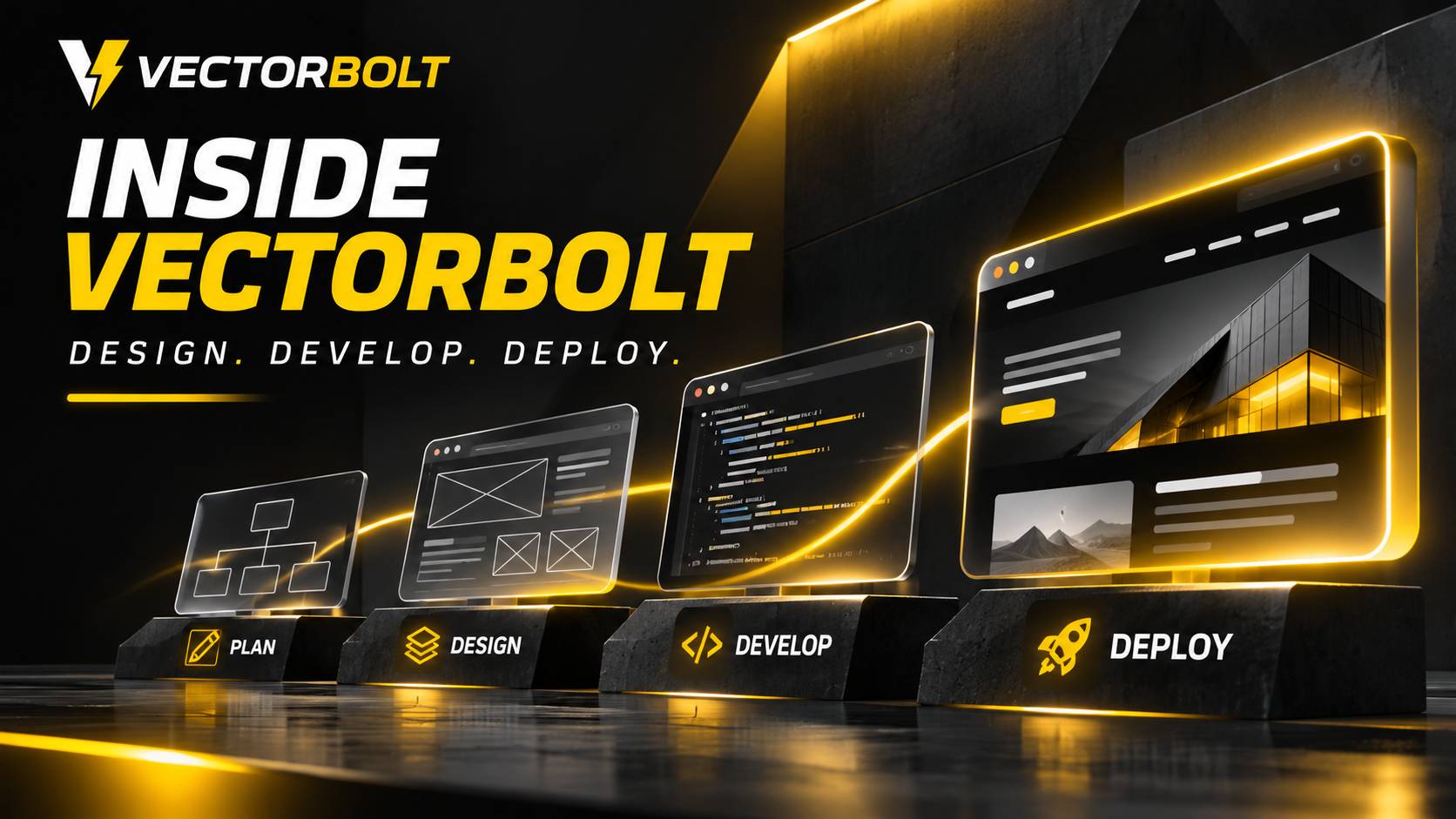
Vectorbolt is a web development agency focused on WordPress, eCommerce, custom website functionality and ongoing maintenance. Website projects require more than an attractive homepage. The structure must support the business, the content must be manageable, and key actions must work reliably across devices.
Plan content and functionality
Agree on the sitemap, editing responsibilities, forms, integrations and technical requirements.
Verify before launch
Test responsive layouts, forms, accessibility, analytics and editor workflows.
Include a practical handover
Document how the client edits important sections, who owns service accounts and which tasks are covered by maintenance.
This article explains the practical stages behind Vectorbolt’s approach to website design and development: reviewing requirements, planning pages, building layouts, implementing functionality, testing, launching and maintaining the finished site. The exact scope depends on the project.
1. Understanding the website requirements
The first step is establishing what the website needs to accomplish. A service business may need enquiry forms and clear service pages. An online store needs product management, payments and delivery information. A booking website may require availability rules, dynamic fields and confirmation messages.
Before development, the important questions are which pages are required, who will update them, what third-party services must connect, and which existing URLs or content must be retained. These decisions affect the platform, templates and development work.
Information that helps define the scope
- Primary services or products and intended visitors
- Required pages, content and brand assets
- Forms, booking systems, checkout or other interactive features
- WordPress, eCommerce and external integration requirements
- Content editing responsibilities and maintenance expectations
- Current website issues, if the project involves a redesign
2. Planning the website structure
Once the requirements are clear, the next stage is organising content. Navigation, service page hierarchy and internal links should help visitors find the information they need. This also gives future content a predictable structure.
For WordPress projects, reusable templates can keep layouts consistent. Pages may share presentation while retaining their own headings, images and FAQs. Content that varies by page should be editable independently rather than hard-coded across every template.
A defined page structure also supports SEO. Relevant service pages, descriptive URLs and sensible internal links make the site easier to navigate and give search engines clearer content relationships.
3. Website design and visual direction
The visual stage translates the website structure into layouts and components. That includes typography, spacing, colours, image treatments, buttons, navigation and mobile behaviour. A page should communicate the offer clearly before relying on animation or decorative effects.
Vectorbolt’s own website uses strong typography, a dark and yellow visual identity, motion elements and custom-coded layouts. Those are design choices for the agency’s brand, not a fixed style imposed on every client project.
Design decisions should account for readability and accessibility. Text contrast, button size, heading hierarchy and keyboard navigation affect how usable a site is, regardless of its visual style.
4. WordPress and custom website development
The implementation stage turns approved layouts and functionality requirements into working pages. WordPress can support standard editorial websites, stores, dynamic content and custom workflows. The implementation method should match the requirements instead of adding a large collection of tools by default.
Vectorbolt’s own website is an example of a lightweight WordPress setup built around a minimal theme, custom plugins and shortcodes. This approach offers control over presentation and functionality. Other projects may be better served by existing WordPress features or established plugins, depending on maintainability and business needs.
Examples of functionality that may require additional development
- Conditional forms and multi-step enquiry flows
- Booking and reservation workflows
- Custom post types, fields and reusable templates
- eCommerce modifications and product data integrations
- Third-party APIs, notifications and reporting
- Administrative controls for managing content without editing code
5. Building for content editing and maintenance
A website has to remain usable after its initial build. Editors should be able to update service text, project examples, images, articles and page-specific information without changing shared code or unintentionally affecting other pages.
That calls for clear separation between reusable templates and editable content. A shared template controls the layout; individual pages retain their own content. Where needed, backend controls can manage repeated items such as portfolio entries or feature lists.
For teams, documentation should explain which fields control which parts of a page and what changes affect shared templates. Reducing unnecessary editor complexity is part of making a website maintainable.
6. Testing before launch
A website should be tested as a functioning system, not just reviewed as a desktop screenshot. Navigation, forms, responsive layouts and third-party integrations can behave differently across devices or break after scripts are deferred or plugins are updated.
Pre-launch checks
- Confirm the key pages, headings and links are correct
- Test menus and interactive controls on mobile and desktop
- Submit forms and verify storage, email delivery and error states
- Check eCommerce checkout or booking flows when applicable
- Review page speed, image sizes and unnecessary scripts
- Check metadata, sitemap inclusion, indexability and redirects
- Confirm backups and rollback procedures for deployment
For existing websites, preserving important URL structures and redirecting changed addresses helps avoid unnecessary disruption. Performance checks should assess user experience and working functionality rather than relying on a single score.
7. Launching the website
Launch involves moving the approved build into its production environment, connecting the correct domain and validating the live setup. Depending on the project, this may include checking SSL, caching, email configuration, analytics, sitemap generation and form notifications.
After deployment, the main customer journeys need another test on the live domain. A staging site passing checks does not guarantee that live email delivery, payment configuration or caching will behave identically.
8. Website maintenance after launch
WordPress maintenance includes core and plugin updates, backups, security review and testing of critical functionality. Content updates, new pages and changes in third-party services also need attention.
Vectorbolt offers website maintenance alongside development. The appropriate maintenance scope depends on the website, the integrations it uses and the consequences of downtime or broken features.
How long does the website development process take?
There is no fixed timeline for every website. A small information site with approved content has a different scope from an online store with product variations, payment configuration and integrations. Content readiness, review cycles and custom functionality can all affect delivery.
A useful estimate should be based on the pages, features, integrations and approval stages in the project brief. Timelines should not be inferred from the number of pages alone.
What makes the Vectorbolt development approach different?
The emphasis is on choosing the right implementation for the job and keeping the website manageable after launch. This can include lightweight themes, custom WordPress functionality, dynamic templates and backend controls where the project needs them.
The goal is not to avoid every plugin or builder. It is to avoid unnecessary dependencies, preserve editing flexibility and ensure important business workflows can be maintained and tested.
THE BOTTOM LINE
Launch readiness means the site works reliably and the team can operate it, not just that the design was approved.
Frequently asked questions
Does Vectorbolt only build WordPress websites?
WordPress is a key service, alongside web development, eCommerce and maintenance. The platform should be selected according to the project’s required functionality and editing needs.
Can an existing WordPress website be redesigned?
A redesign can retain important content and URLs while changing presentation and implementation. Existing templates, plugins, custom fields and editing workflows need to be reviewed before removing dependencies.
Can clients update content themselves?
WordPress supports content editing through its administration interface. Projects can also include structured fields and custom backend controls so editors manage page-specific information without modifying the layout.
Does every site need custom functionality?
No. Standard WordPress features and established plugins may cover the requirements. Custom development is appropriate when existing functionality is insufficient or introduces unnecessary complexity.
Discuss a website project with Vectorbolt
Website requirements vary by industry, business model and existing systems. To discuss a WordPress build, eCommerce project, redesign or custom integration, contact Vectorbolt with the pages and functionality you need.
Explore the Vectorbolt portfolio, or read AI Website Builders vs Professional Web Developers for help comparing development approaches.
